
A group trip's album
Everyone takes photos, everyone shares them. When you're back, the full album is already there — no need to chase people for their photos.
YouTim Service
Vacations, wedding, birthday, club season: centralize all group photos in a private album that everyone can add to and download from.
No more photos lost across 15 WhatsApp chats or in Google Photos albums you forgot to share.
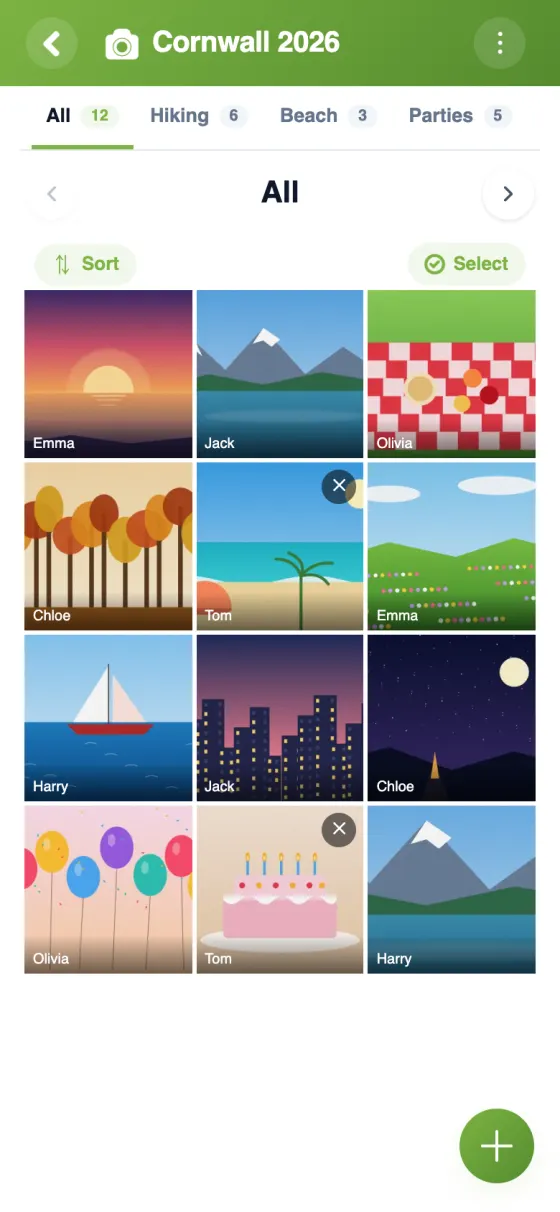
Everyone adds their photos. One gallery, accessible to all members.
Each member saves photos to their phone, or downloads them all at once on a computer.
No photo indexed publicly, no use for AI training.
Get notified when a new photo joins the group's album.
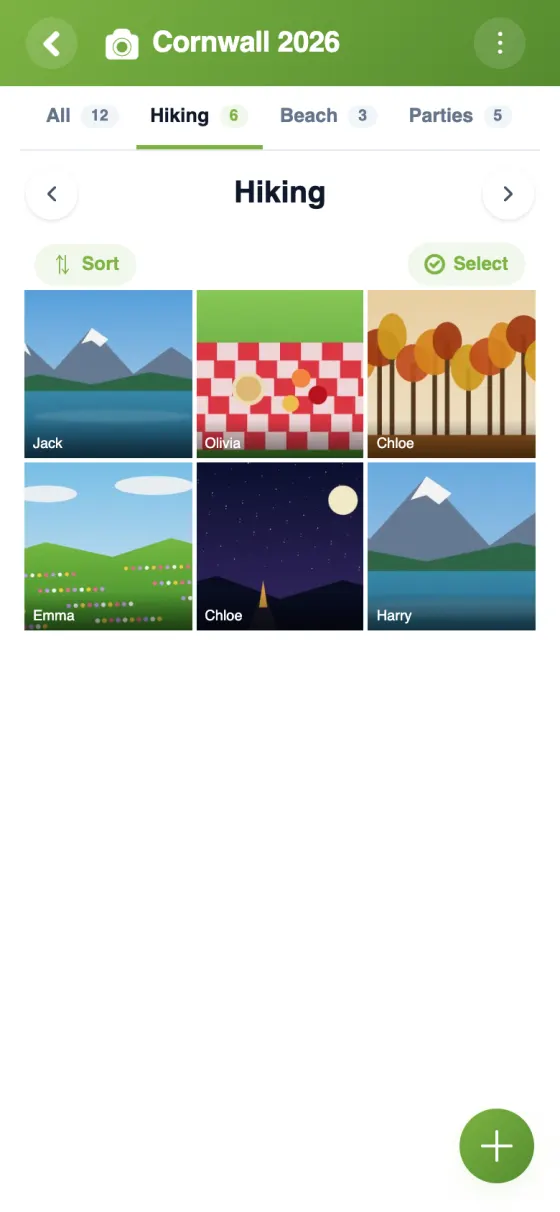
The admin sorts photos into pages, and can lock the album to stop new uploads.
Comment on a photo in the same group's chat.
How it works
Each member adds photos from their camera roll or live. Everyone finds them in one place, in good quality, and can save them to their camera roll.
| Feature | YouTim Gallery | Google Photos shared | iCloud shared album |
|---|---|---|---|
| No Google/Apple account needed | ✓ | ✗ | ✗ |
| Free upload by members | ✓ | ✓ | ✓ |
| Tied to group chat | ✓ | ✗ | ✗ |
| No AI training use | ✓ | auto-scan | setting-dependent |
| GDPR & EU | ✓ | US | US |
| Ad-free | ✓ | ✓ | ✓ |
Comparison for informational purposes, based on publicly known 2026 features.
Everyone takes photos, everyone shares them. When you're back, the full album is already there — no need to chase people for their photos.
Better than disposable cameras or a paid app: create a "wedding" YouTim, invite guests, and everyone adds their party photos. The couple has the full album the next day.
For parents who want to share kid photos with grandparents and close family, without posting on Facebook or Instagram.
Team photos, matches, tournaments, club events: a season album accessible to members and their families.
For a one-time event, the dedicated YouTim and its gallery keep all memories in one place, instead of scattered on Snapchat.
Neighbors, co-owners: centralize photos of a block party, a local charity event, a collective renovation.
Yes, completely free, with no subscription or in-app purchases, and no ads.
All members. The admin can lock the gallery to stop new additions. A photo can be deleted by its author or by an admin.
Yes. Photos are visible only to the YouTim's members, and they are encrypted on our servers. No public indexing, no resale, no use for AI training.
YouTim Gallery depends on neither Google nor Apple: no third-party account required. Above all, it lives in the same YouTim as the chat, calendar and lists — the same members, with no new sharing to set up.
As many as you like within your storage space: 1 GB per user for all your photos, voice messages and documents. Photos are reduced in size when uploaded, which works out at about 2,000 photos. Videos are not accepted.
Yes: on iPhone, they are saved to Photos; on Android, to Downloads; on a computer, as a file. On a computer, you can also select several and download them in one go (ZIP file). The version saved is the reduced one that was sent to the group.
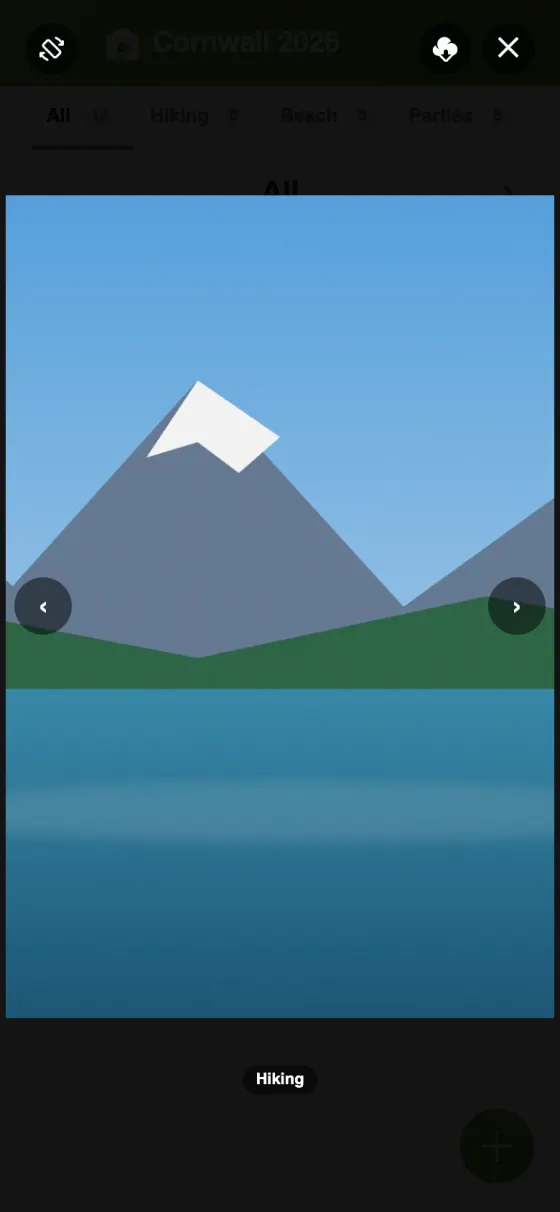
With pages: the admin creates pages (for example “Vacation” or “Birthday”) and puts photos in them; the “All” page brings them all together. In full screen, you can zoom and switch to landscape mode.
Photos from a collective event (wedding, trip, birthday, club season) often end up scattered: in WhatsApp where they vanish after months, in one participant's Google Photos others don't dare to ask for, or worse, in each person's phone never shared. YouTim Gallery solves this with a durable common album.
Google Photos shared works but requires all participants to have a Google account and accepts automatic analysis of their faces, places and objects. YouTim Gallery takes a different approach: your photos are never analyzed to train AI models, never used for ad targeting, and stay hosted in Europe.
Inviting a grandparent who's not on Google or Apple becomes simple: an email is enough to join the YouTim. No need to create a Google Account just for that.
YouTim doesn't try to keep you hooked or promote photos via an algorithm. It's a simple chronological album, made to preserve group memories.