Use case · Gallery
A private photo sharing app,
for the people you choose
Share photos with family, friends or your partner in an album only they can see: no public profile, no Google or Apple account, no AI training.
What keeps the album private
Your photos stay within your group.
- 👥
Members only
Only the people in your YouTim see the album. There's no public profile and no feed.
- 🔐
Encrypted on our servers
Photos are encrypted at rest, and protected in transit with TLS.
- 🚫
No AI training
Your photos are never used to train AI, never sold and never indexed publicly.
- 🇪🇺
Hosted in Europe
The app is hosted in Amsterdam, and files are stored with Scaleway in France.
- ✉️
No Google or Apple account
An email address is enough to join, on iPhone, Android or in a browser.
- 🔗
You control sharing
A view-only link exists only if an admin turns it on, and every member can see when it's active.
A private album in YouTim
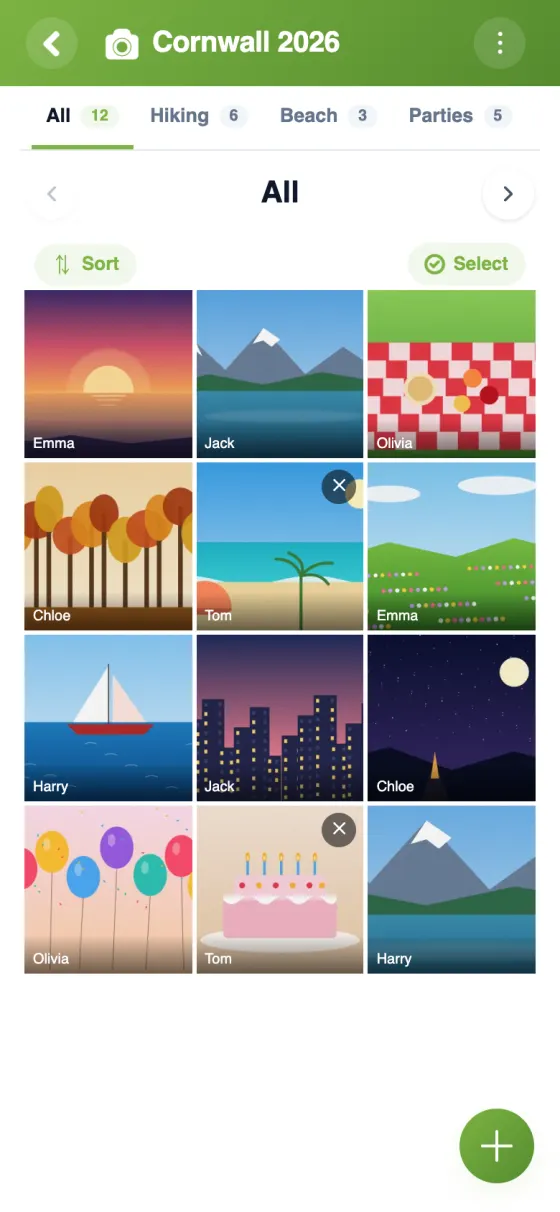
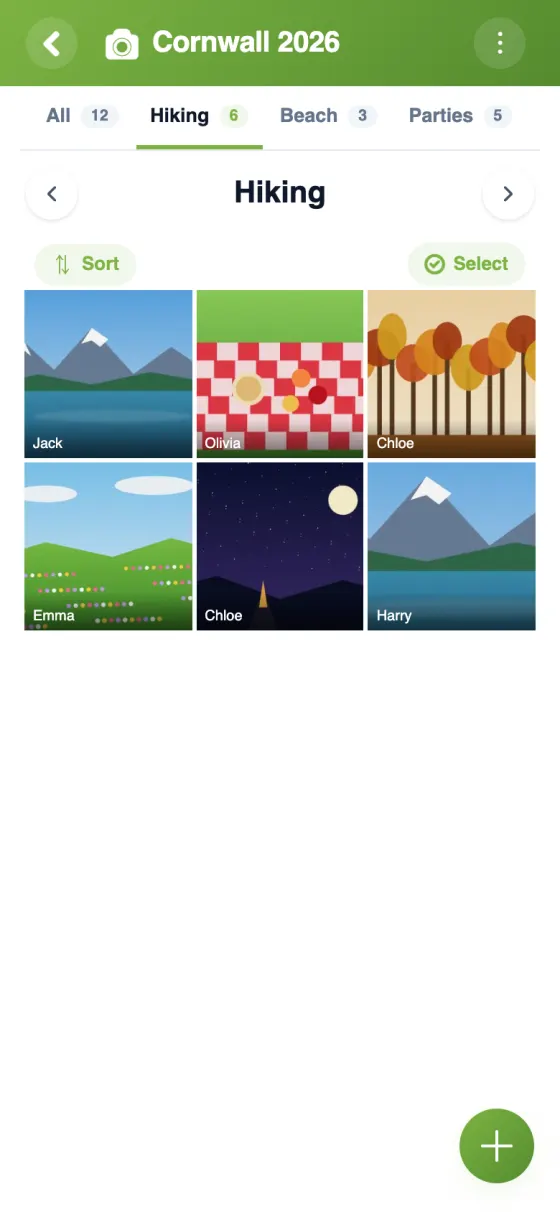
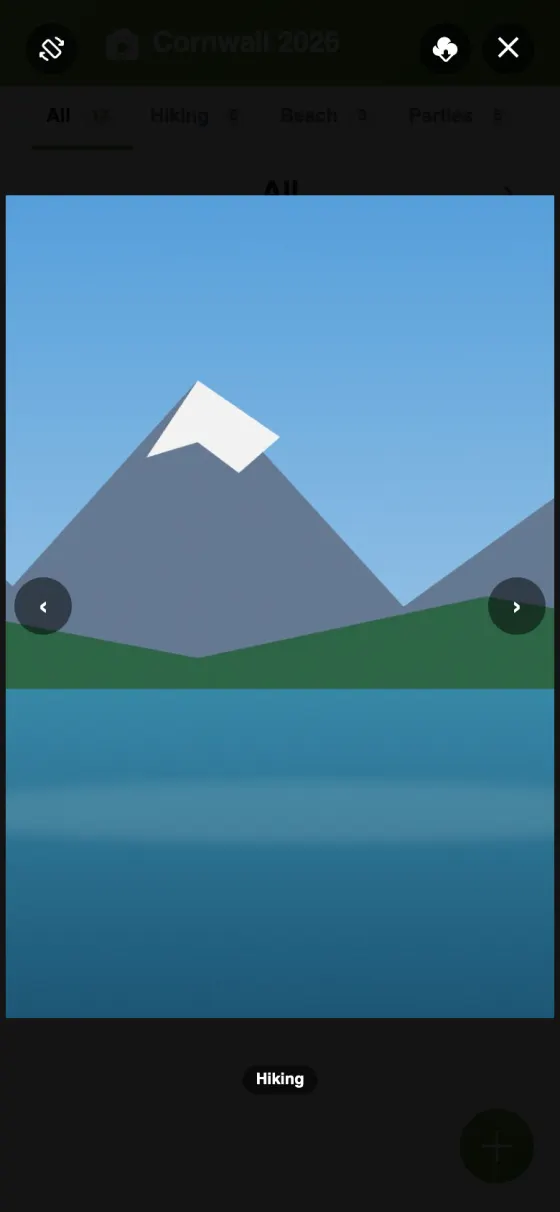
The group's photos sorted by pages, filtered in one tap, viewed full screen.
Start a private shared album
Share photos online privately
Most photo services are built around an account with a big platform. YouTim is built around your group: a family, a couple, a circle of friends. The album belongs to that group, and nobody else sees it.
A secure photo sharing app
Photos are protected in transit with TLS and encrypted at rest with AES-256 on our servers. The app is hosted in Amsterdam and files are stored with Scaleway, in France. YouTim has no ads, no algorithm and no public profiles: your photos are never sold, never indexed and never used to train AI.
A Google Photos alternative without a Google account
Nobody in your group needs a Google or Apple account. An email address is enough to join, on iPhone, Android or in any browser, which makes it easy to include a grandparent or a friend with a different phone. And the album sits in the same YouTim as your group chat, calendar and lists, with the same members and nothing new to set up.
Private photo sharing for couples, families and friends
A YouTim can have two members or two hundred. For a couple, it's a private album of your life together; for a family, a home for the kids' photos; for friends, the memories of a weekend away. Anyone in the group can add photos; an admin can lock the gallery, and a photo can be deleted by its author or an admin.
Private image sharing with someone outside the group
Sometimes you want to show a few photos to someone who isn't in the group. An admin can turn on “Share as view-only” and send the link: the person sees the photos in their browser, without an account, and can't change anything. Nicknames are hidden by default, the link isn't indexed by search engines, and the admin can turn it off at any time.
Frequently asked questions
Who can see my photos?
Only the members of your YouTim. The only exception is a view-only link, which an admin has to turn on; all members then see an eye next to the gallery's title.
Are my photos used to train AI?
No. Photos are never used for AI training, never sold and never indexed publicly.
Are my photos encrypted?
Yes: they're protected in transit with TLS (version 1.2 or higher) and encrypted at rest with AES-256 on our servers.
Where are the photos stored?
The app is hosted in Amsterdam, and files are stored with Scaleway, in France.
Do I need a Google or Apple account?
No. An email address is enough, though you can sign in with Google or Apple if you prefer. No phone number is required.
How many photos can I add?
As many as you like within 1 GB per person, shared between photos, voice messages and documents. Photos are reduced in size when uploaded, which means about 2,000 photos. Videos are not accepted.
 YouTim
Your whole group in one place.